Deal stages are names, not actions
Pipeline stages exist but do not tell the team what information is needed or which follow-up comes next.
Bitrix24 brings customer records, deal tracking and collaboration tools into one environment. The challenge is configuring them so staff understand where work lives, who owns it and how sales progress is measured.
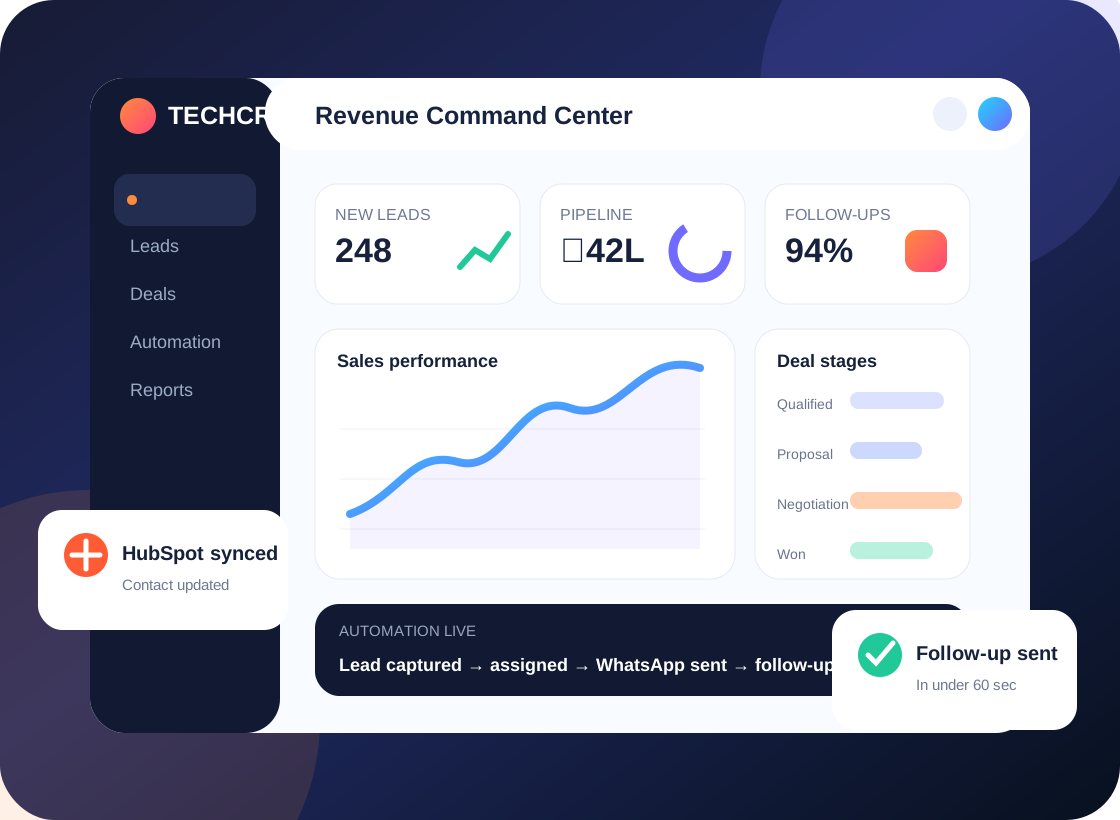
Less chasing. More visibility.
Bitrix24 CRM • Automation • Team workflow design
Most CRM frustration begins before anyone opens a dashboard. These are the day-to-day gaps we look for in a discovery session.
Pipeline stages exist but do not tell the team what information is needed or which follow-up comes next.
Salespeople work in tasks or chats while customer context remains incomplete in CRM records.
Users see too much, too little or the wrong records because roles and visibility were not designed around team responsibilities.
Records are split across tools, follow-ups depend on memory and sales managers piece together updates after the fact.
We help plan a Bitrix24 structure where the CRM pipeline and daily task execution support each other rather than compete for attention.
We connect the business goal to the CRM configuration. These are the practical workstreams that can be included after a requirement review.
Map lead and deal stages, required fields, qualification logic and handoff points.
Connect next actions, reminders and related tasks to sales milestones.
Assess supported automation options and build rules for routing, updates and notifications.
Configure visibility around teams, managers and operational requirements.
Review sources such as website forms, communication tools and external business applications.
Prepare imports, test process scenarios and provide a user-friendly daily workflow guide.
Tell us which part of the process is failing. We can start with a focused audit instead of a full rebuild.
An example of how CRM and tasks can work together when configured carefully.
A lead record arrives with the source and requested service.
The correct salesperson takes ownership and schedules the first activity.
Tasks and approvals support quotation or handoff steps.
Managers see overdue work and deal progression without chasing updates.
Illustrative process only; not a claim about a specific completed Techcruz customer project.
Different businesses need different sales stages, customer context and approval rules. Here are examples of teams that may benefit from this approach.
Coordinate customer conversations with internal next steps.
Connect deal qualification, quotations and handover tasks.
Start with a manageable setup before using every available module.
Our homepage emphasizes a simple five-stage approach. The purpose is to make requirements, responsibilities and acceptance visible throughout the project.
Clarify outcomes, current systems, sales roles, pain points and important exceptions.
Agree fields, lead ownership, workflow logic, reporting questions and acceptance tests.
Configure the agreed CRM features and supported integrations in the appropriate environment.
Walk through realistic scenarios with users, fix issues and document the daily process.
Release agreed changes, collect feedback and define support or next-phase improvements.
Show current pipeline screenshots, team structure, common task handoffs and the integrations you expect your Bitrix24 environment to support.
Requirements and delivery arrangements confirmed during consultation. Timing, pricing and platform capabilities are confirmed in the agreed scope.
The original Techcruz homepage includes case-study materials, selected review screenshots and professional certification resources. Review them alongside the proposed scope for your own project.
Clear expectations make implementations easier to manage. These answers outline practical considerations, not a substitute for checking your actual software and requirements.
It may be able to centralize relevant lead and deal records. Data needs to be cleaned and the target workflows agreed before switching.
Supported task and automation options can be evaluated based on your edition, permissions and exact process.
Import methods and formats vary; we check the source, fields, deduplication and test results before final migration.
No. Features vary by subscription and deployment type. Availability must be checked against your account.
A typical scope identifies modules, fields, roles, automations, integrations, migration, testing and training; the final statement of work defines what is included.
Tell us what happens today, what keeps getting missed and which CRM or connected systems your team uses. We'll start by understanding the workflow before suggesting a solution.
Share your current platform, goal, lead sources and biggest issue. No one-size-fits-all build is assumed.
Message Techcruz on WhatsAppUse the website enquiry form