One customer appears in several rows
Different spellings, phone formats and repeated exports inflate lead counts and make the new system unreliable.
Moving from Excel or an aging CRM is a chance to fix duplicate records, unclear ownership, broken fields and missing history. Techcruz helps plan migrations with deliberate mapping, validation and a safer transition to the new system.
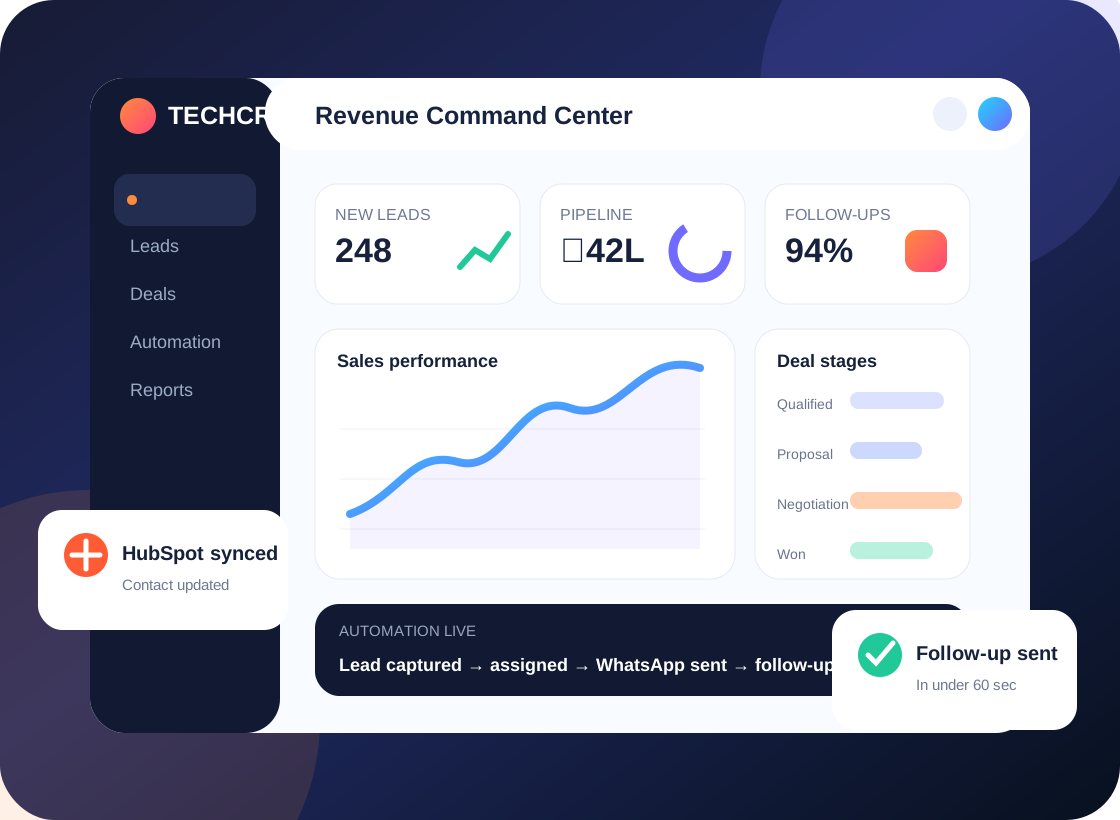
Less chasing. More visibility.
Data mapping • Test imports • Cutover planning • Validation
Most CRM frustration begins before anyone opens a dashboard. These are the day-to-day gaps we look for in a discovery session.
Different spellings, phone formats and repeated exports inflate lead counts and make the new system unreliable.
Notes, deal stages, owner fields and activity history do not always map cleanly from one tool to another.
A rushed import creates broken workflows, inaccessible records or confusion over which system is now the source of truth.
Records are split across tools, follow-ups depend on memory and sales managers piece together updates after the fact.
We help define the source-to-target mapping, cleanup rules, test process and acceptance checks so your sales team understands the data when it arrives.
We connect the business goal to the CRM configuration. These are the practical workstreams that can be included after a requirement review.
Identify available tables, modules, record owners, attachments and platform export limitations.
Document how contacts, accounts, leads, deals and custom fields will relate in the destination.
Agree matching criteria, required fields, formatting rules and how exceptions should be reviewed.
Run a small controlled import, inspect record relationships and review problems before full cutover.
Define migration windows, data freezes where appropriate, backups and a clear ownership plan.
Check record totals, sample accuracy, relationships, permissions and workflows before sign-off.
Tell us which part of the process is failing. We can start with a focused audit instead of a full rebuild.
No migration is risk-free. Use the actual data quality and integration constraints to decide the cutover method.
Identify sources, formats, record relationships and missing values.
Agree target fields, dedupe logic and ownership conventions.
Import a limited sample and validate both records and workflows.
Move approved data and reconcile results against acceptance criteria.
Illustrative process only; not a claim about a specific completed Techcruz customer project.
Different businesses need different sales stages, customer context and approval rules. Here are examples of teams that may benefit from this approach.
Structure spreadsheet data into proper lead, company, contact and opportunity records.
Plan data transfer from one CRM to another without assuming every field has a direct equivalent.
Address duplicate customers, conflicting owner fields and inconsistent lifecycle stages.
Our homepage emphasizes a simple five-stage approach. The purpose is to make requirements, responsibilities and acceptance visible throughout the project.
Clarify outcomes, current systems, sales roles, pain points and important exceptions.
Agree fields, lead ownership, workflow logic, reporting questions and acceptance tests.
Configure the agreed CRM features and supported integrations in the appropriate environment.
Walk through realistic scenarios with users, fix issues and document the daily process.
Release agreed changes, collect feedback and define support or next-phase improvements.
Provide representative exports with sensitive data removed where possible, record counts by object, source platform access constraints and examples of essential fields and activities.
Requirements and delivery arrangements confirmed during consultation. Timing, pricing and platform capabilities are confirmed in the agreed scope.
The original Techcruz homepage includes case-study materials, selected review screenshots and professional certification resources. Review them alongside the proposed scope for your own project.
Clear expectations make implementations easier to manage. These answers outline practical considerations, not a substitute for checking your actual software and requirements.
Not always. It depends on export capabilities, available APIs, data formats and target CRM support. We identify important limitations during discovery.
Usually yes. Standardizing fields, removing obvious duplicates and agreeing required data makes the new CRM more dependable.
Some transfers can be staged, but synchronization and cutover risks vary. A transition plan should explain what users can edit and when.
A safe plan should include verified exports or backups within your control before changes. The exact backup method depends on the source platform.
Agree checks such as record totals, field accuracy, owner assignment, linked records, sample records and working downstream workflows.
Tell us what happens today, what keeps getting missed and which CRM or connected systems your team uses. We'll start by understanding the workflow before suggesting a solution.
Share your current platform, goal, lead sources and biggest issue. No one-size-fits-all build is assumed.
Message Techcruz on WhatsAppUse the website enquiry form