Leads wait until someone checks an inbox
When enquiries depend on a manual forward or spreadsheet update, response times vary from person to person.
Missed callbacks, manual status updates and copy-pasted lead information take time away from customer conversations. Techcruz helps identify where CRM automation can make the next step faster, clearer and more accountable.
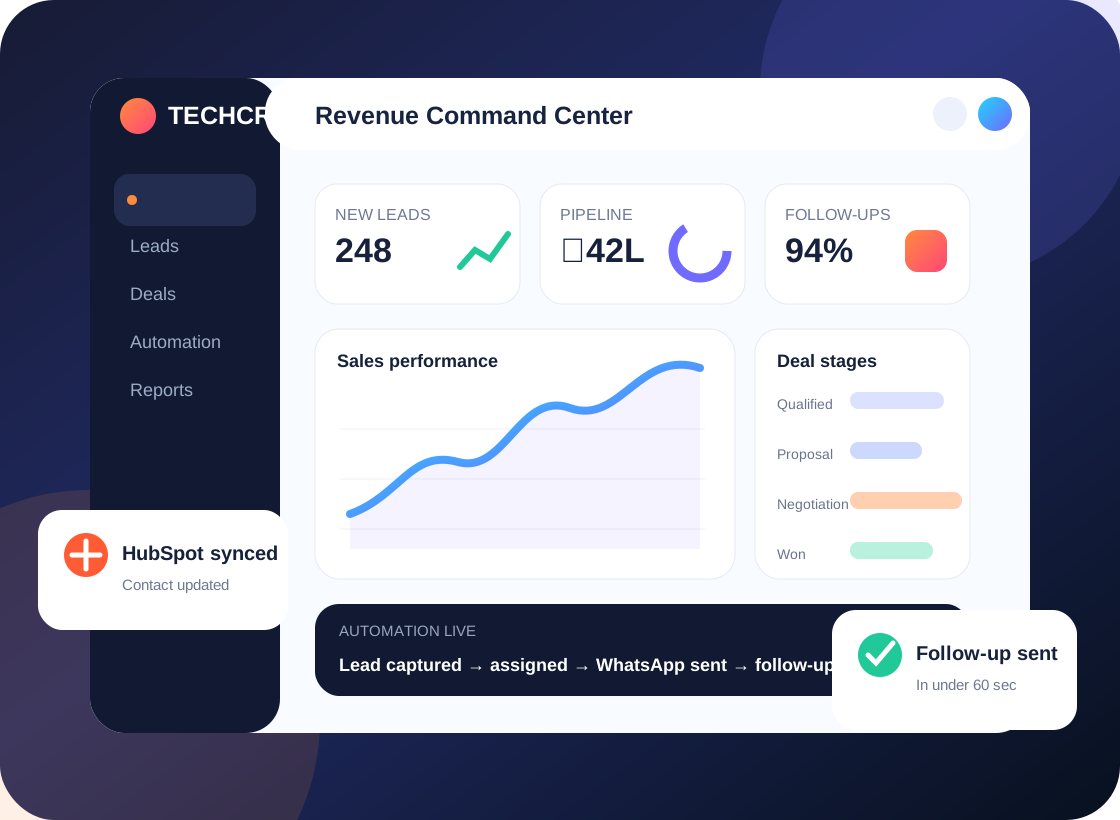
Less chasing. More visibility.
Automated lead routing • Follow-up discipline • Reliable exceptions
Most CRM frustration begins before anyone opens a dashboard. These are the day-to-day gaps we look for in a discovery session.
When enquiries depend on a manual forward or spreadsheet update, response times vary from person to person.
Tasks are created late, renewal dates slip and hot opportunities are not visibly escalated.
Multiple rules update the same records, send duplicate notifications or break silently after process changes.
Records are split across tools, follow-ups depend on memory and sales managers piece together updates after the fact.
We define triggers, conditions, owner responsibilities and exceptions so automation supports the real sales process rather than producing noise.
We connect the business goal to the CRM configuration. These are the practical workstreams that can be included after a requirement review.
List repetitive manual actions, current rules, handoffs and the exceptions that cause problems.
Apply agreed criteria such as territory, product interest, service type or team availability.
Schedule tasks and reminders, identify overdue activity and notify the right owner or manager.
Enforce key fields, approved transitions and handoffs without unnecessarily slowing deals.
Plan supported transfers of lead data or status updates between CRM, forms and connected apps.
Test duplicate events, failed conditions, permissions and changes to the process before and after launch.
Tell us which part of the process is failing. We can start with a focused audit instead of a full rebuild.
Illustrative lead-routing example; specific triggers depend on the chosen platform.
A qualified enquiry enters the CRM from an approved channel.
Rules identify the team and assign a named owner.
A deadline and activity task make the next action visible.
Overdue work can be highlighted for review instead of being discovered later.
Illustrative process only; not a claim about a specific completed Techcruz customer project.
Different businesses need different sales stages, customer context and approval rules. Here are examples of teams that may benefit from this approach.
Reduce repetitive assignment work and ensure new leads do not wait in unmanaged queues.
Automate task tracking while people still handle complex conversations and proposals.
Audit duplicate notifications, rule conflicts and automation that no one remembers creating.
Our homepage emphasizes a simple five-stage approach. The purpose is to make requirements, responsibilities and acceptance visible throughout the project.
Clarify outcomes, current systems, sales roles, pain points and important exceptions.
Agree fields, lead ownership, workflow logic, reporting questions and acceptance tests.
Configure the agreed CRM features and supported integrations in the appropriate environment.
Walk through realistic scenarios with users, fix issues and document the daily process.
Release agreed changes, collect feedback and define support or next-phase improvements.
Share examples of repetitive tasks, your CRM edition, current automation list and three real scenarios: one normal case, one exception and one failure.
Requirements and delivery arrangements confirmed during consultation. Timing, pricing and platform capabilities are confirmed in the agreed scope.
The original Techcruz homepage includes case-study materials, selected review screenshots and professional certification resources. Review them alongside the proposed scope for your own project.
Clear expectations make implementations easier to manage. These answers outline practical considerations, not a substitute for checking your actual software and requirements.
Start with high-frequency, low-ambiguity activities such as lead ownership, next-step reminders and duplicate checks. Evaluate business impact before more complex workflows.
Possible integrations depend on approved providers, consent, templates, licensing and country-specific messaging requirements. These need to be checked in advance.
A supported integration or middleware may be needed. Data ownership, sync direction, error handling and API limits must be designed carefully.
We specify trigger conditions, idempotency or matching strategies where supported, and test cases for repeat submissions and updates.
Many platforms offer notifications or workflow actions. We map who should receive alerts and when, so escalation remains useful rather than overwhelming.
Tell us what happens today, what keeps getting missed and which CRM or connected systems your team uses. We'll start by understanding the workflow before suggesting a solution.
Share your current platform, goal, lead sources and biggest issue. No one-size-fits-all build is assumed.
Message Techcruz on WhatsAppUse the website enquiry form