Marketing and sales disagree on lead quality
Lifecycle stages are inconsistent, contacts move between teams without clear criteria and the pipeline tells a different story from campaigns.
Marketing activity only creates value when someone can see the lead, understand its context and act at the right moment. Techcruz designs HubSpot CRM processes that connect capture, qualification, sales activity and reporting.
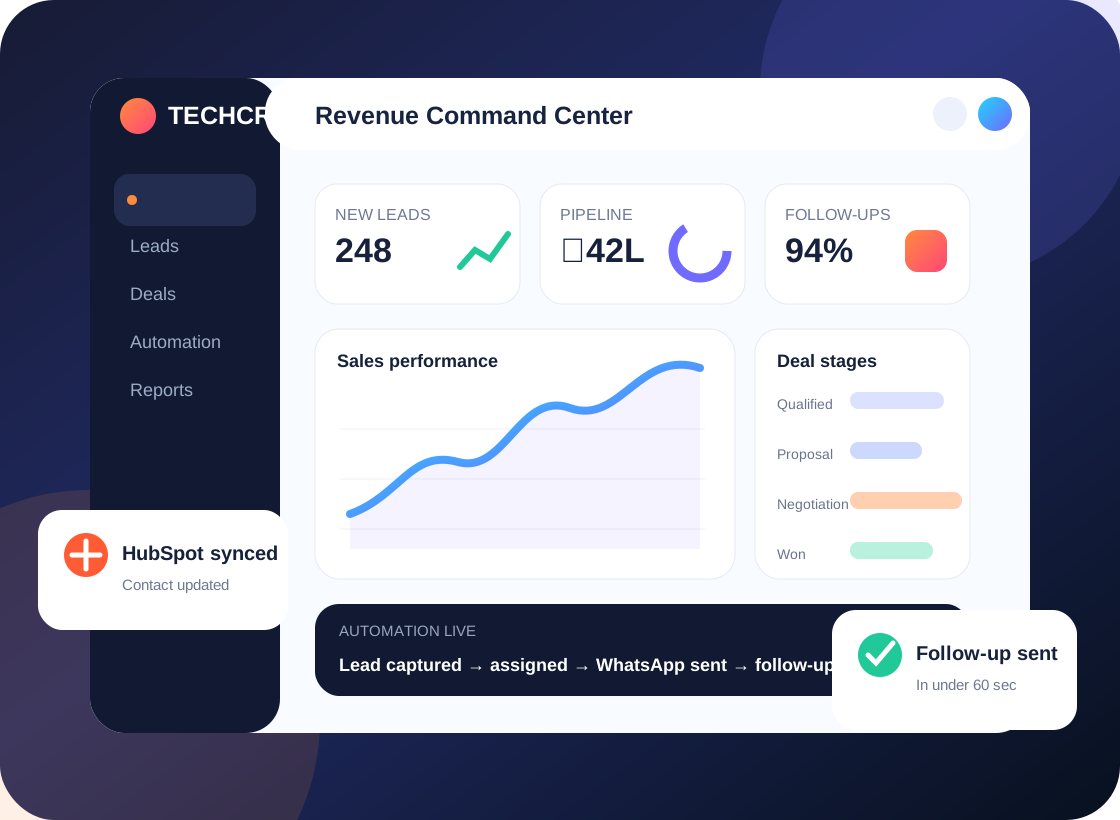
Less chasing. More visibility.
HubSpot CRM • Sales pipelines • Workflow planning
Most CRM frustration begins before anyone opens a dashboard. These are the day-to-day gaps we look for in a discovery session.
Lifecycle stages are inconsistent, contacts move between teams without clear criteria and the pipeline tells a different story from campaigns.
Teams create custom properties without governance, leaving confusing forms, stale values and difficult segmentation.
Attribution, deal progression and sales activity become hard to interpret when the underlying data model is inconsistent.
Records are split across tools, follow-ups depend on memory and sales managers piece together updates after the fact.
We map how contacts enter HubSpot, when they become qualified, what triggers sales ownership and which reports show whether the handoff is working.
We connect the business goal to the CRM configuration. These are the practical workstreams that can be included after a requirement review.
Review properties, associations, data quality and the information different teams actually need.
Agree on lifecycle stages, handoff conditions, required fields and ownership responsibilities.
Create deal stages, views, follow-up activities and required information for useful forecasting.
Connect supported forms, lead routing, notifications and nurture-to-sales journeys according to your subscription capabilities.
Configure dashboards that separate lead flow, salesperson activity and stage conversion.
Deduplicate data, audit existing automations and give teams a simple process guide.
Tell us which part of the process is failing. We can start with a focused audit instead of a full rebuild.
Example workflow; available automation features vary by HubSpot product tier.
A prospect submits a supported form or responds to a campaign.
Lead information and agreed lifecycle criteria determine the next action.
The owner receives the context and a clear task with a due date.
The team reviews source quality and stage movement, then refines the process.
Illustrative process only; not a claim about a specific completed Techcruz customer project.
Different businesses need different sales stages, customer context and approval rules. Here are examples of teams that may benefit from this approach.
Create cleaner definitions for enquiries, qualified leads and follow-ups.
Standardize multi-step deals and the relationship between contacts, companies and opportunities.
Audit duplicate properties, redundant workflows and reports that no longer align to the process.
Our homepage emphasizes a simple five-stage approach. The purpose is to make requirements, responsibilities and acceptance visible throughout the project.
Clarify outcomes, current systems, sales roles, pain points and important exceptions.
Agree fields, lead ownership, workflow logic, reporting questions and acceptance tests.
Configure the agreed CRM features and supported integrations in the appropriate environment.
Walk through realistic scenarios with users, fix issues and document the daily process.
Release agreed changes, collect feedback and define support or next-phase improvements.
Share a summary of your HubSpot subscription, current lifecycle definitions, workflow inventory, connected forms and the questions your dashboards cannot answer.
Requirements and delivery arrangements confirmed during consultation. Timing, pricing and platform capabilities are confirmed in the agreed scope.
The original Techcruz homepage includes case-study materials, selected review screenshots and professional certification resources. Review them alongside the proposed scope for your own project.
Clear expectations make implementations easier to manage. These answers outline practical considerations, not a substitute for checking your actual software and requirements.
No. Workflow, permissions and advanced reporting capabilities vary by subscription. We scope the solution against the tools actually available in your account.
Often yes through HubSpot tools or supported integrations. We confirm the website setup and data flow before recommending an approach.
Yes. An audit can identify where properties, lifecycle stages, workflow logic and reporting have drifted from your sales process.
Yes, subject to available features and permissions. Each dashboard should answer questions specific to that team instead of showing every possible metric.
Your HubSpot products, number of users, current integration list, data issues, workflow requirements and desired outcomes.
Tell us what happens today, what keeps getting missed and which CRM or connected systems your team uses. We'll start by understanding the workflow before suggesting a solution.
Share your current platform, goal, lead sources and biggest issue. No one-size-fits-all build is assumed.
Message Techcruz on WhatsAppUse the website enquiry form